
Fact sheet
| Name | Conn (on the App Store as "Conn: SSH Terminal, VNC & SFTP") |
|---|---|
| Developer | Maritime Master Limited, a UK company |
| Released | October 2026 |
| Platforms | iPhone, iPad and Mac, in one purchase |
| Price | £12.99 once (UK). No subscription, no in-app purchases. |
| Data collected | None (App Store privacy label: Data Not Collected) |
| App Store | https://apps.apple.com/app/id6812496110 |
| Website | https://tryconn.app/ |
Descriptions
One line
Conn is an SSH terminal, a VNC screen and SFTP files for your own machines, in one app for iPhone, iPad and Mac.
One paragraph
Conn opens a terminal, a screen and files on the machines you run, from iPhone, iPad and Mac. Its SSH terminal is built around tmux, so a session keeps running on the host when the signal drops and Conn reattaches when it's back. Screen shows the whole desktop of a Mac, a Raspberry Pi or another VNC server, kept encrypted, and Conn asks before anything would go unencrypted. Files browses over SFTP and saves edits straight back without ever leaving a file half written. SSH keys can be made in the Secure Enclave, there's no account, no analytics and no Conn servers, and it costs £12.99 once.
Highlights
- Drop the signal, not the session: tmux sessions keep running on the host, and Conn reattaches after a drop.
- Needs you: the Sessions tab marks a tmux session that's waiting on a bell or a question, while Conn is open.
- Mac and Raspberry Pi screens with their own accounts, encrypted, and Conn asks before anything would go unencrypted.
- Secure Enclave SSH keys by default, where the device has one: the private key never leaves the device.
- Jump hosts and port forwards (from 1.2.1): reach machines behind a bastion, and open a server's web dashboard over SSH, with web pages opening inside Conn on iPhone and iPad.
- Made for iPhone, iPad and Mac, including the iPhone Duo, which folds into a small laptop.
- Good to know: Conn signs in with a password, or an Ed25519 or ECDSA key, and speaks VNC, not RDP.
Icon and screenshots
Click any picture for the full-size file. Please use them unaltered.
 App icon (PNG, 1024 px)
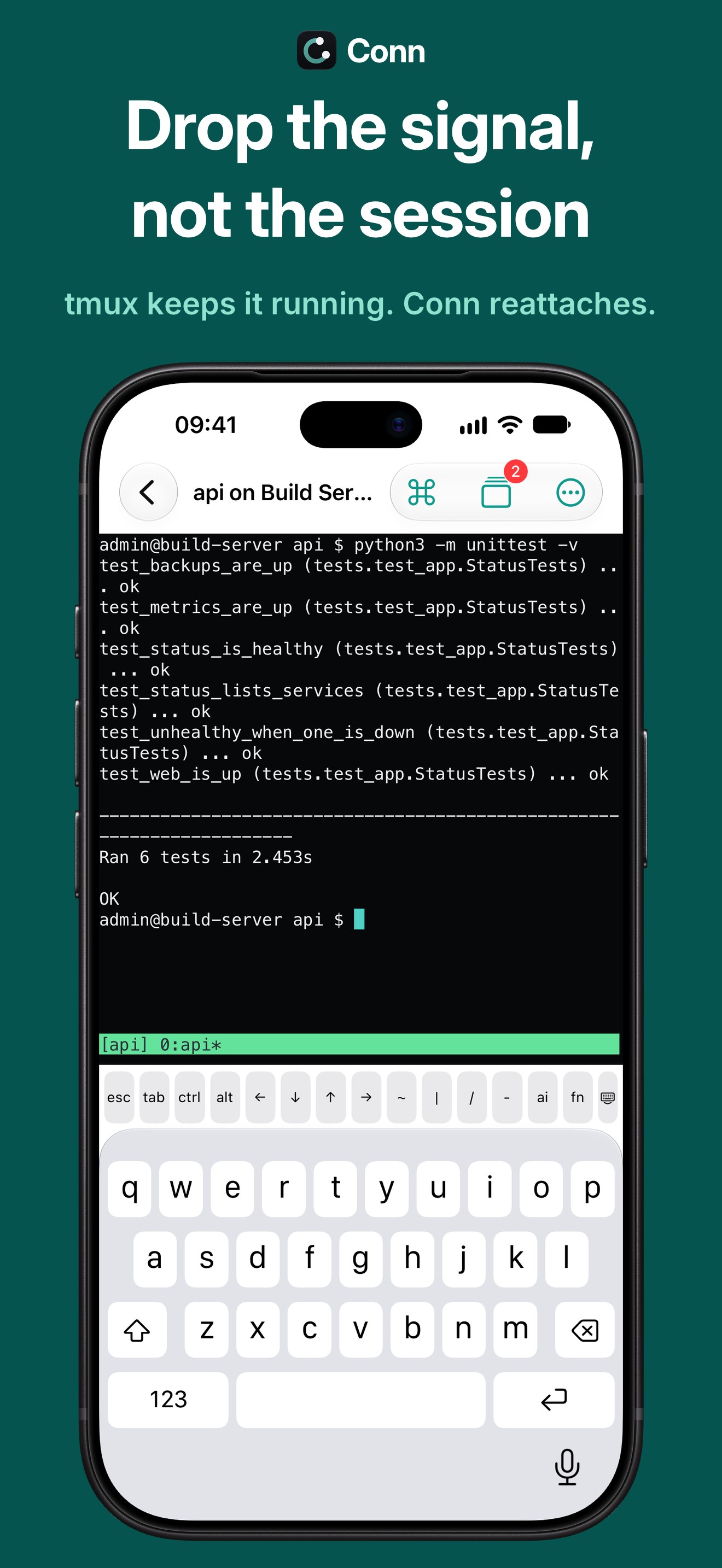 iPhone: Terminal
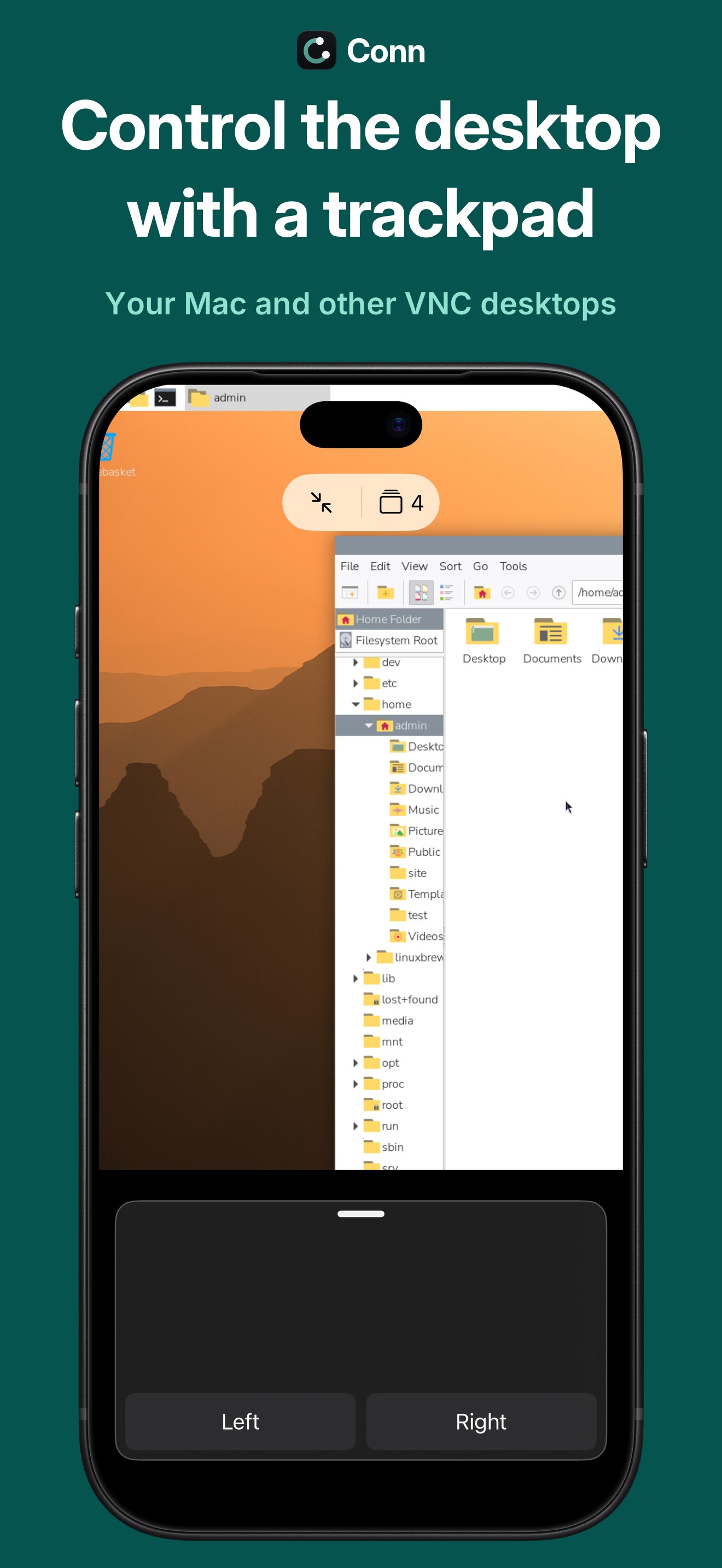 iPhone: Screen
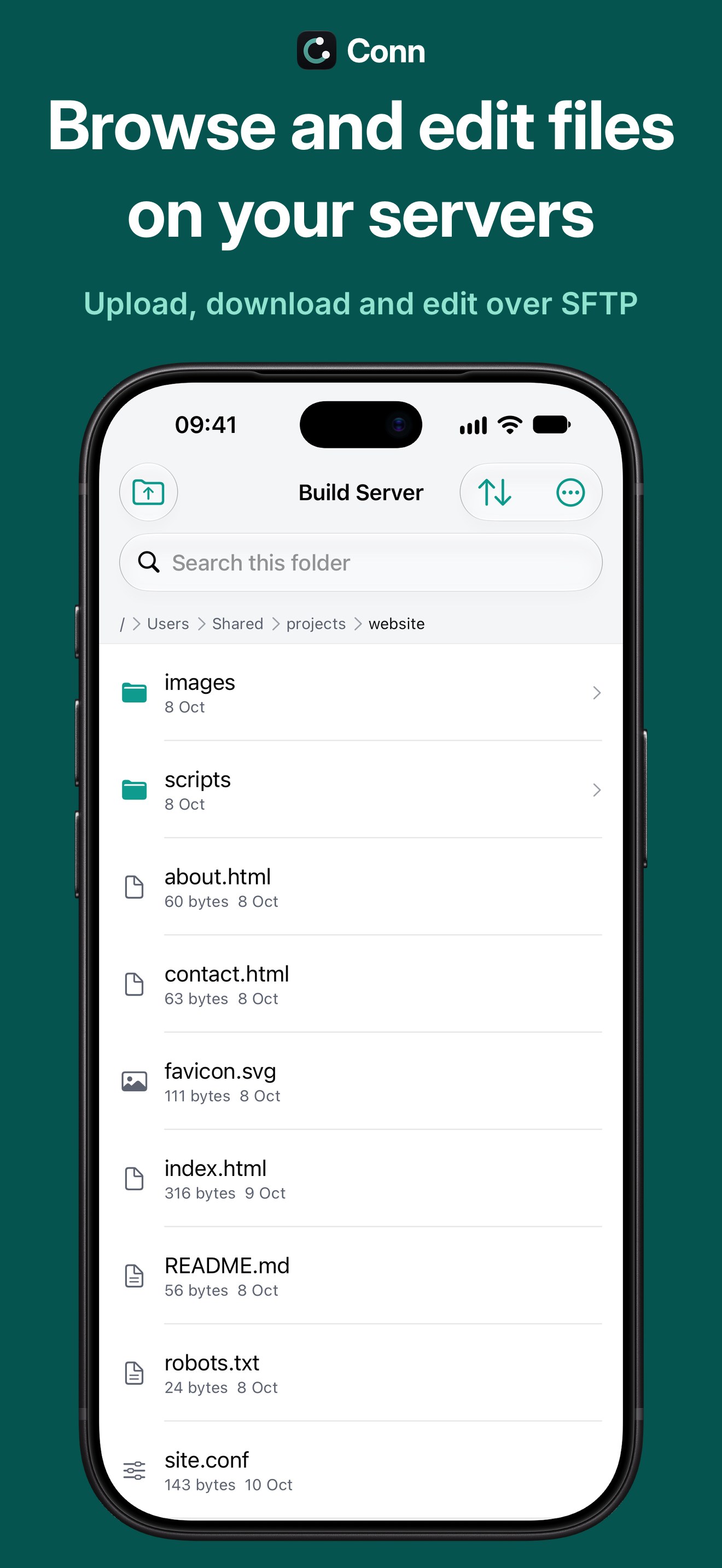 iPhone: Files
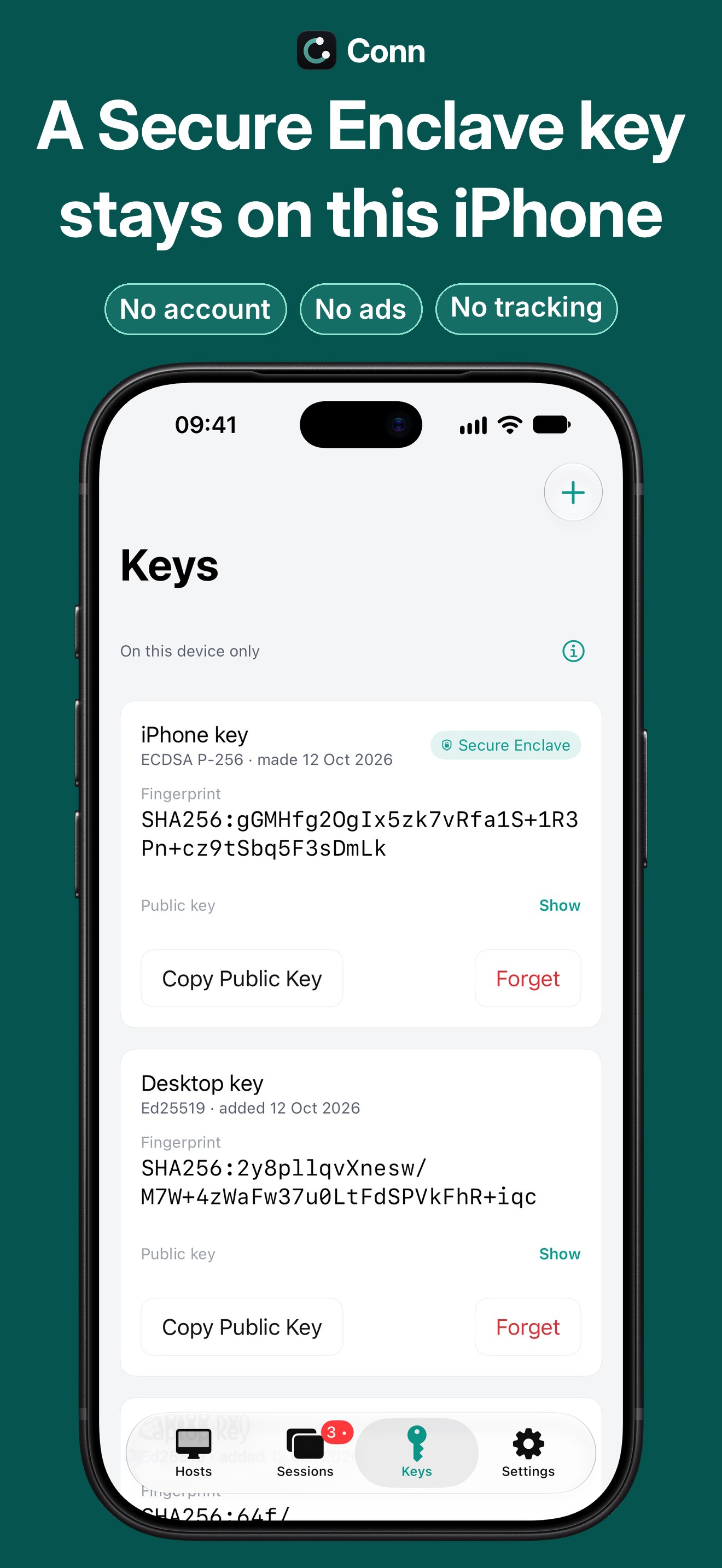 iPhone: Keys
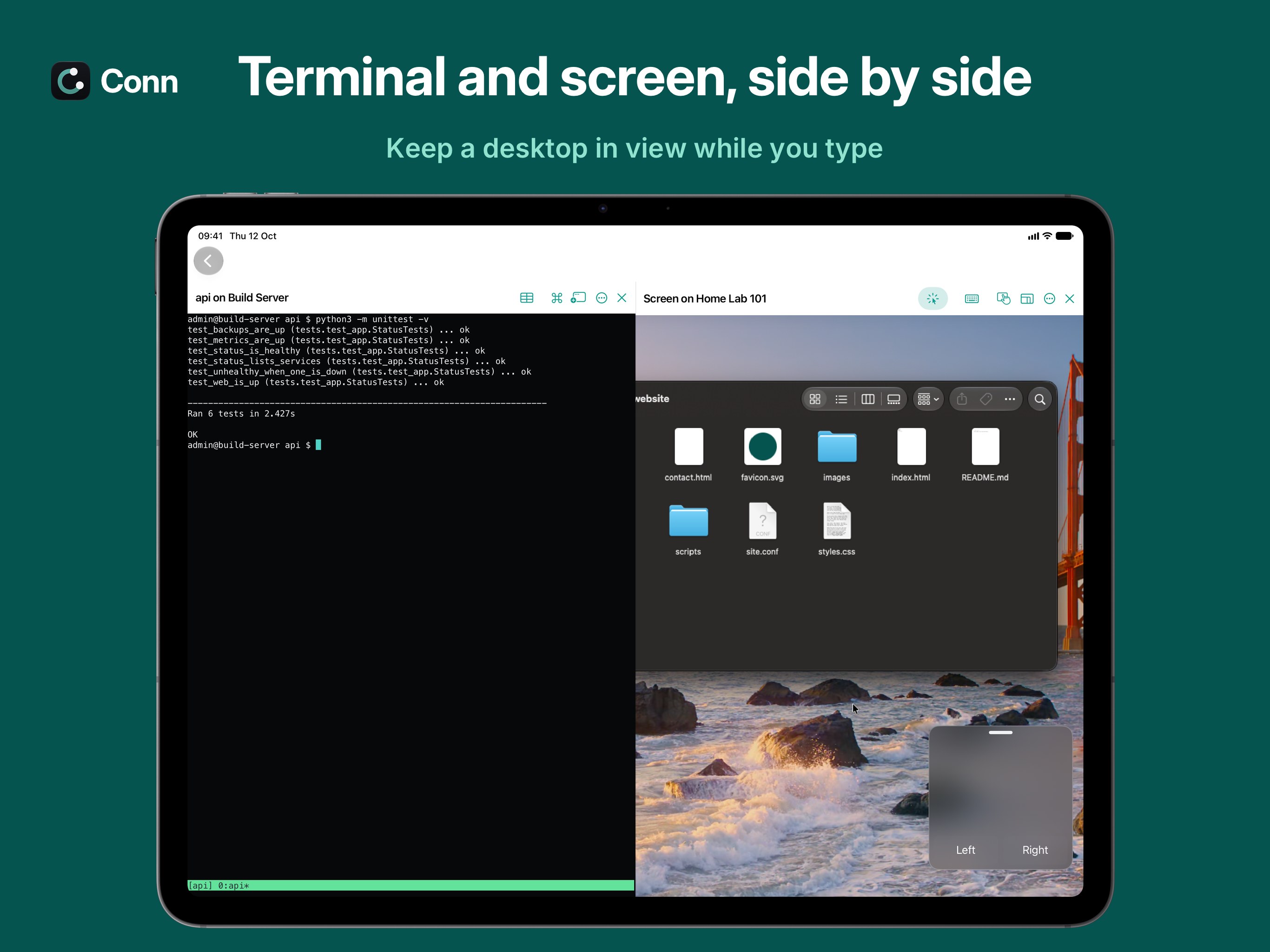 iPad: side by side
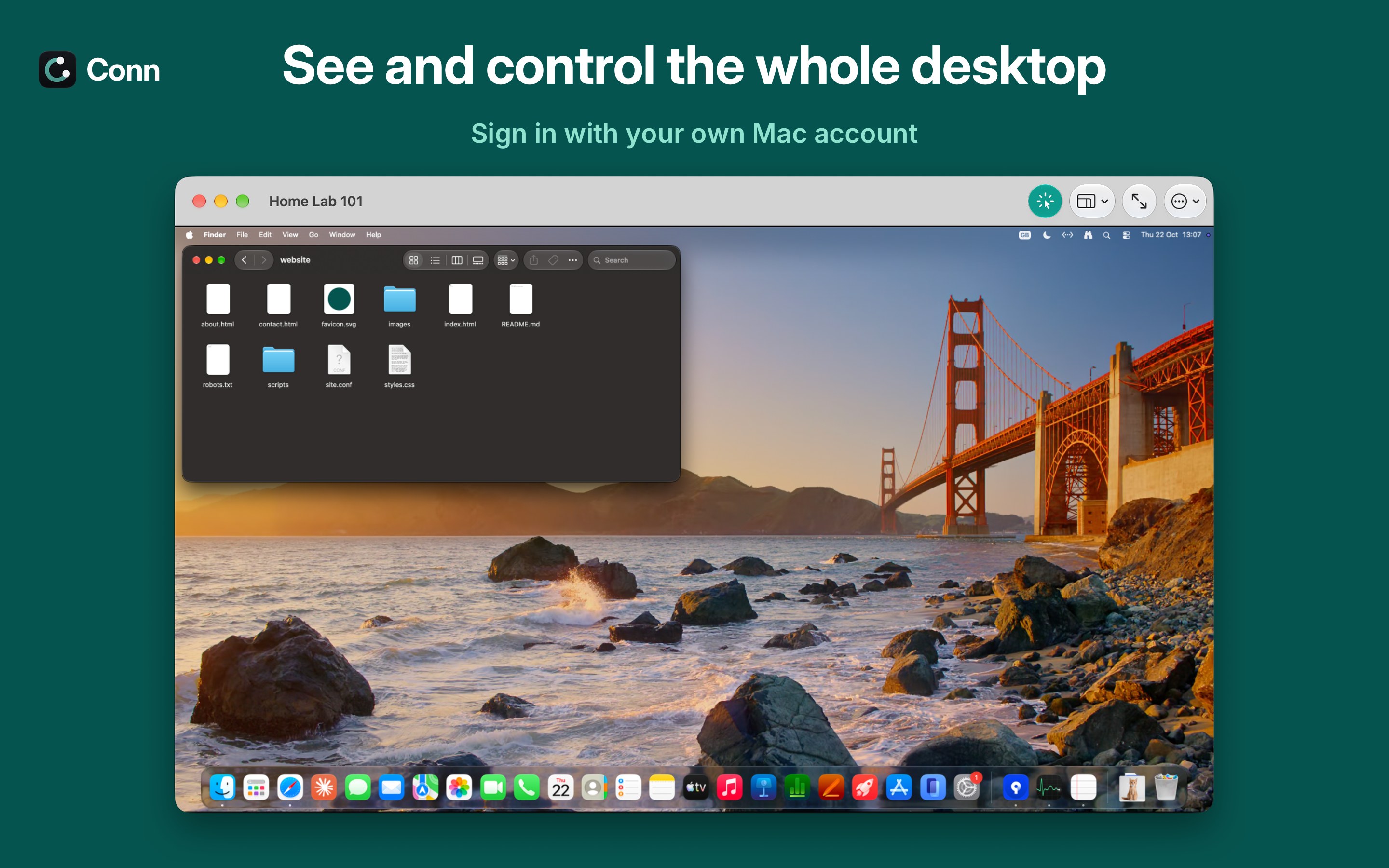 Mac: Screen
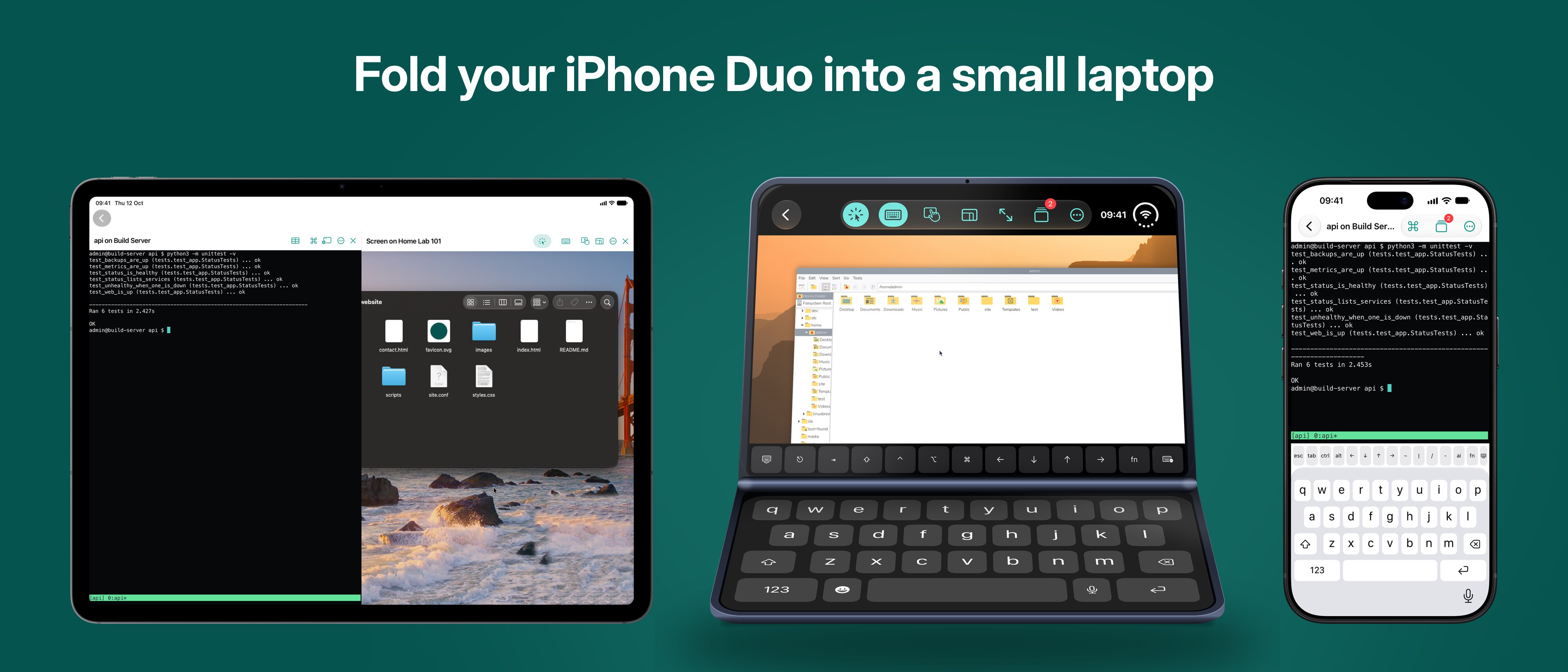 iPad, iPhone Duo and iPhone
Name and colours
- Write the name as Conn, with a capital C.
- Please don't recolour, crop, stretch or add effects to the icon.
- Say "for Raspberry Pi" or "works with Raspberry Pi", not "Raspberry Pi" as part of Conn's name.
Contact
For questions or interviews, email admin@bottletopstudios.co.uk.